Are you struggling with this?
Messy line art isn’t usually caused by a lack of talent. It’s often the result of inconsistent line weight, poor stroke confidence, and a few common drawing habits. In this guide, you’ll learn the exact techniques professionals use to create cleaner, sharper line art.
Clean line art is one of the biggest differences between artwork that feels professional and artwork that feels unfinished. The good news is that messy line work is rarely caused by a lack of talent. In most cases, it’s the result of a few common mistakes that can be fixed with practice and the right approach.
If you’ve ever looked at your drawing and wondered why it feels cluttered, shaky, or difficult to read, these are likely the reasons.
1. You’re Drawing Too Many Lines
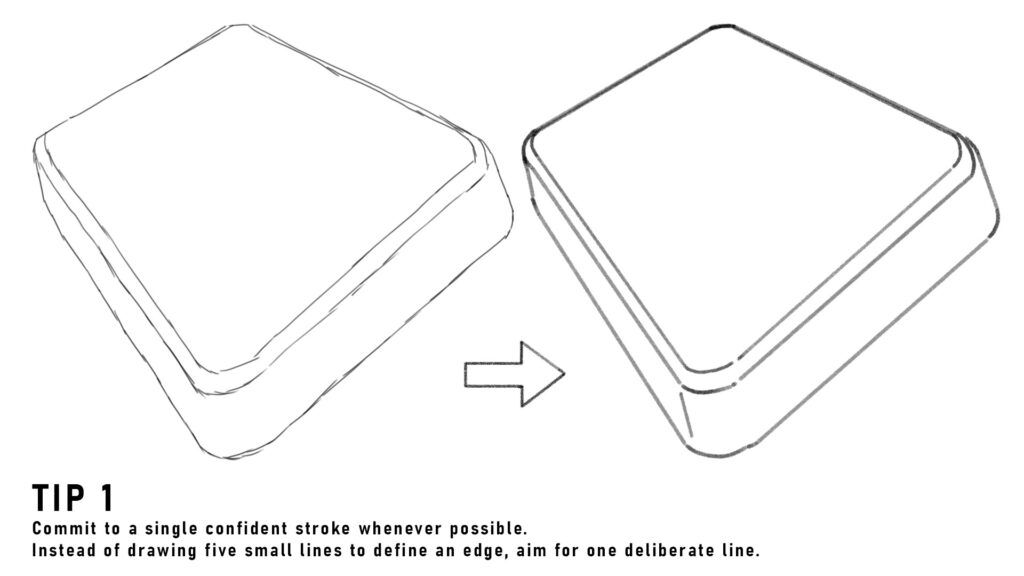
One of the most common mistakes artists make is trying to find the correct shape by sketching multiple overlapping lines.
While this can be useful during the sketch phase, those extra strokes often remain in the final line art and create visual noise.
How to Fix It
Commit to a single confident stroke whenever possible. Instead of drawing five small lines to define an edge, aim for one deliberate line. Fewer lines usually create a cleaner and more professional result.
2. Your Line Weight Is Constant Everywhere
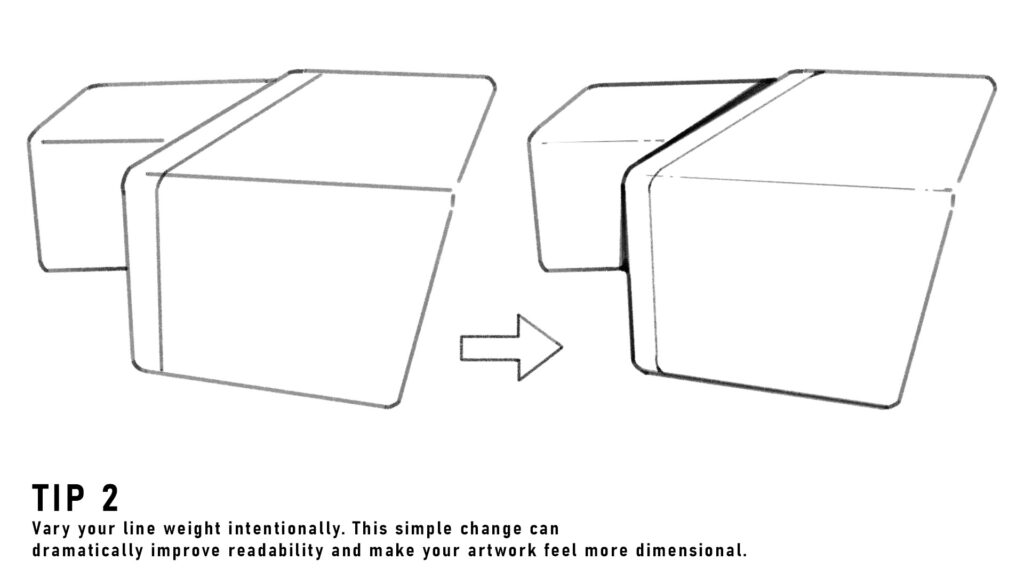
Many beginners use the same brush size and pressure throughout the entire drawing.
The result is flat-looking line art that lacks depth and hierarchy.
How to Fix It
Vary your line weight intentionally.
- Thicker lines for foreground elements
- Thinner lines for details
- Heavier lines in shadow areas
- Lighter lines where forms face the light
3. You’re Zooming In Too Much
When drawing digitally, it’s tempting to work at 500% zoom and focus on tiny details.
The problem is that viewers rarely see your artwork at that magnification.
How to Fix It
Regularly zoom out and evaluate your drawing at its actual viewing size.
If the artwork looks clean from a normal distance, minor imperfections won’t matter.
Many professional artists spend more time zoomed out than zoomed in.
4. Your Strokes Lack Confidence
Hesitant strokes often create wobbly and uneven lines.
This usually happens when artists draw slowly while trying to achieve perfection.
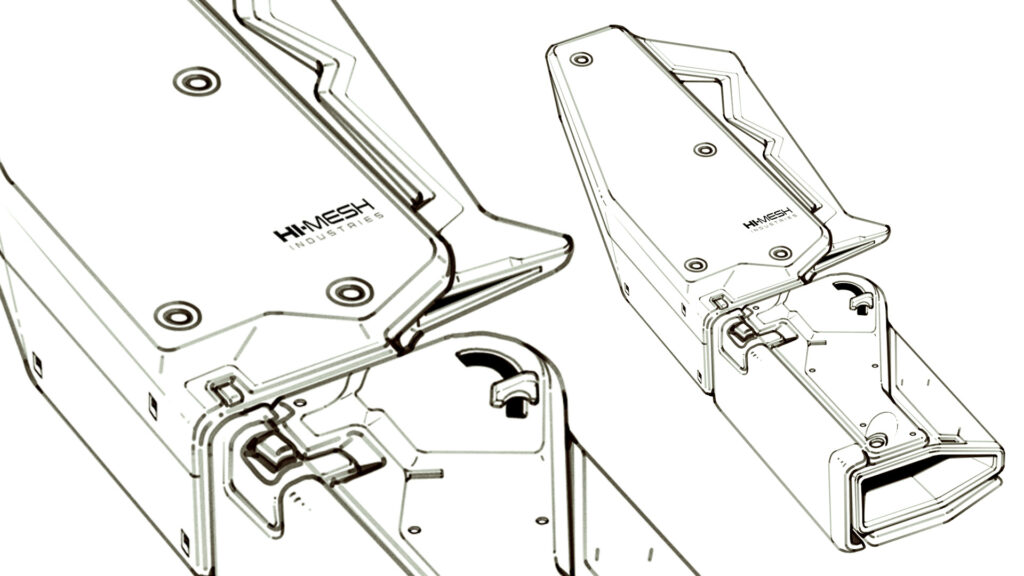
How to Fix It
Use longer, faster strokes whenever possible.
Try practicing line exercises where the goal is accuracy through confidence rather than slow correction.
A slightly inaccurate confident line often looks better than a perfectly placed shaky one.
5. You’re Ignoring Silhouette Clarity
Good line art is readable even before details are added.
If your silhouette is confusing, no amount of rendering will completely fix the drawing.
How to Fix It
Before focusing on small details, zoom out and examine the overall shape.
Ask yourself:
- Can the object be identified instantly?
- Are important forms clearly separated?
- Does the design read at a glance?
Strong silhouettes create stronger line art.
6. Every Detail Has Equal Importance
Not every part of a drawing deserves the same level of attention.
When every surface contains identical detail density, the artwork can feel overwhelming.
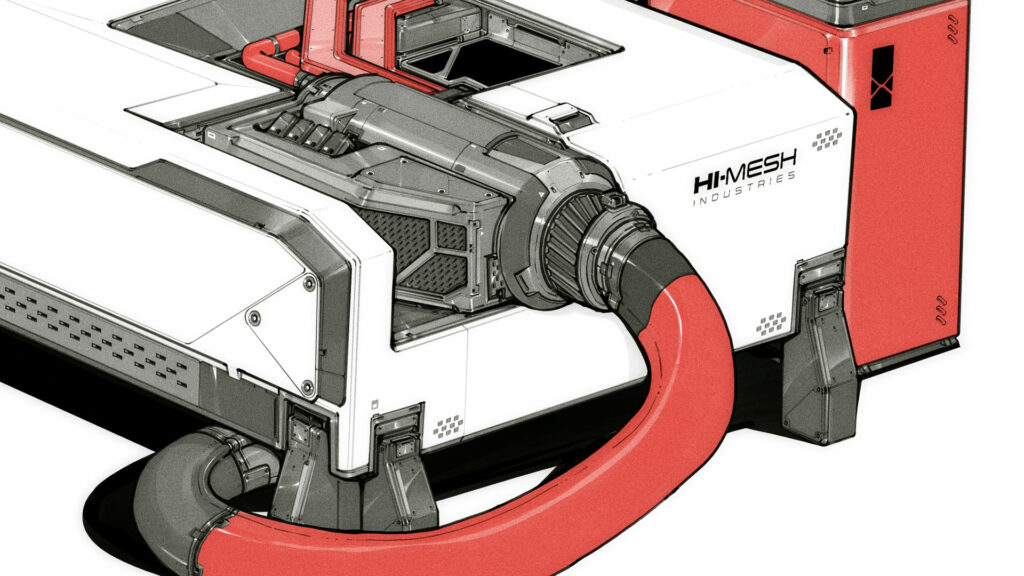
How to Fix It
Create focal points.
Use detail strategically around important areas and simplify less important regions. This gives the viewer’s eye a clear path through the image.
Professional concept artists often leave large areas intentionally simple.
7. You’re Using the Wrong Brush
Sometimes the issue isn’t your technique at all.
Certain brushes produce rough edges, inconsistent pressure response, or excessive texture that can make line work feel messy.
How to Fix It
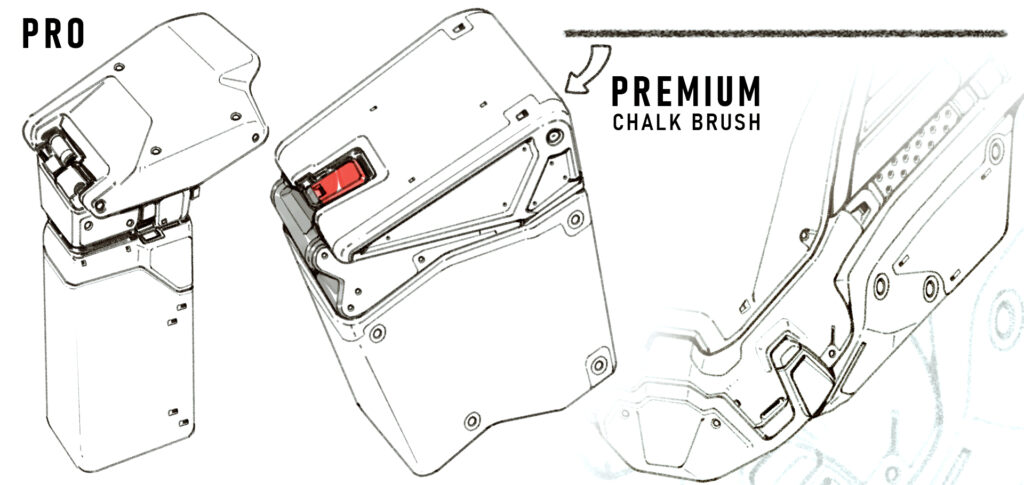
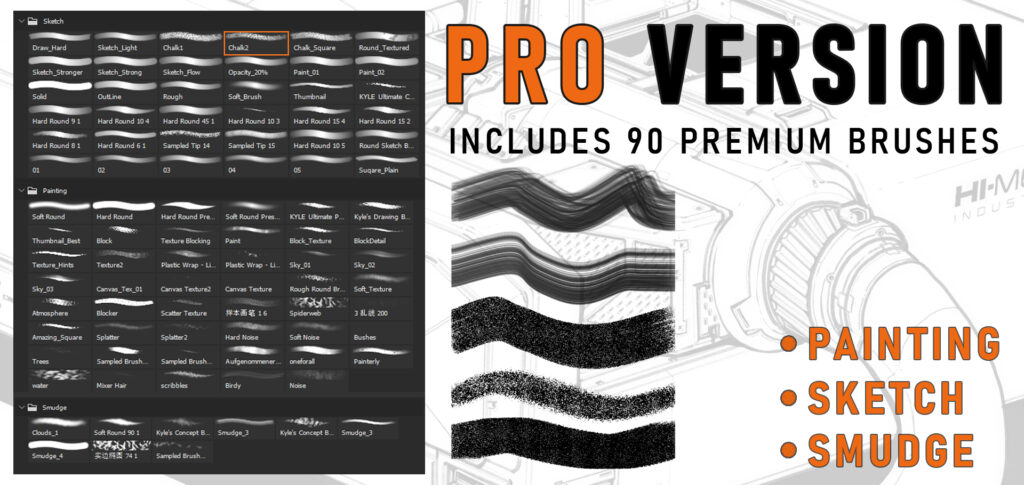
Level up your hard-surface sketches and concept art with my FREE high-quality brush pack designed for artists who want clean, sharp, and professional results.
DOWNLOAD NOW
Final Thoughts
Improving line art isn’t about drawing more details. It’s about making better decisions with every stroke.
Focus on confident lines, clear silhouettes, intentional line weight, and simplified details. As these habits become second nature, your artwork will naturally begin to look cleaner and more professional.
Remember: professional line art often contains fewer lines than beginner line art, not more.
The goal isn’t to draw everything.
The goal is to draw only what matters.
If you’re interested in applying these same principles to complex vehicles, machinery, weapons, and sci-fi designs, the techniques become even more important. Hard-surface design relies heavily on clean line work, clear shapes, and purposeful detail placement.
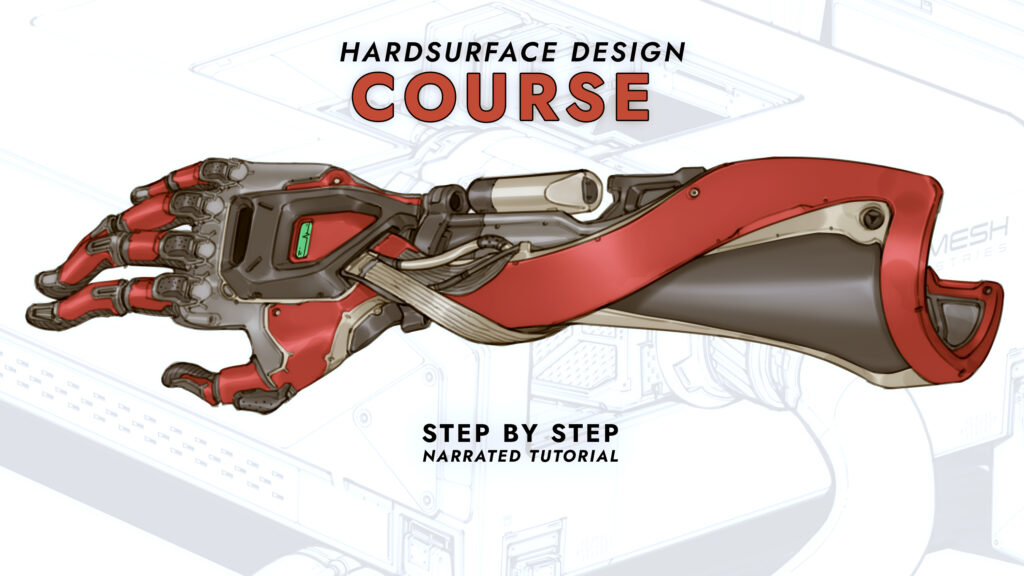
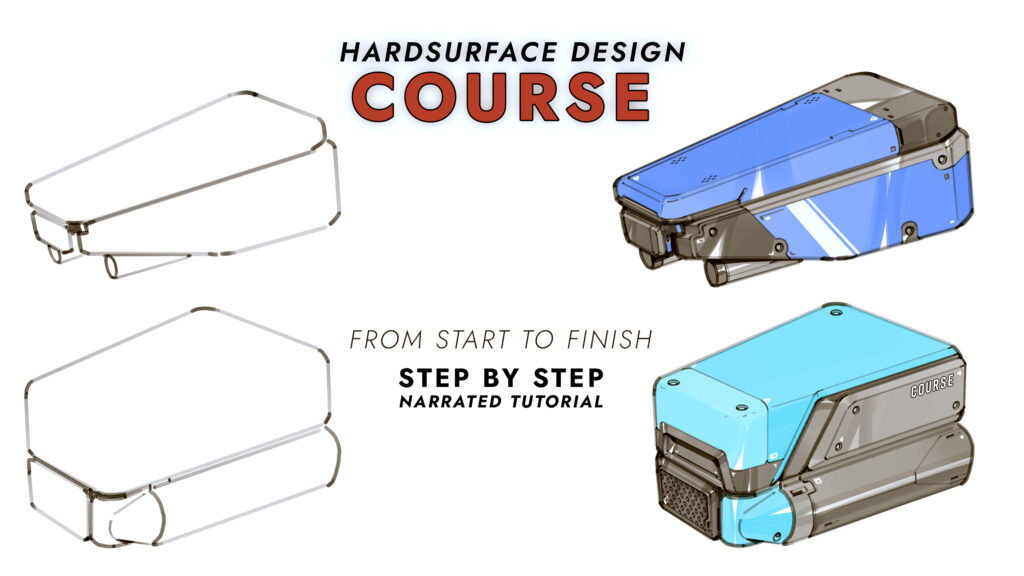
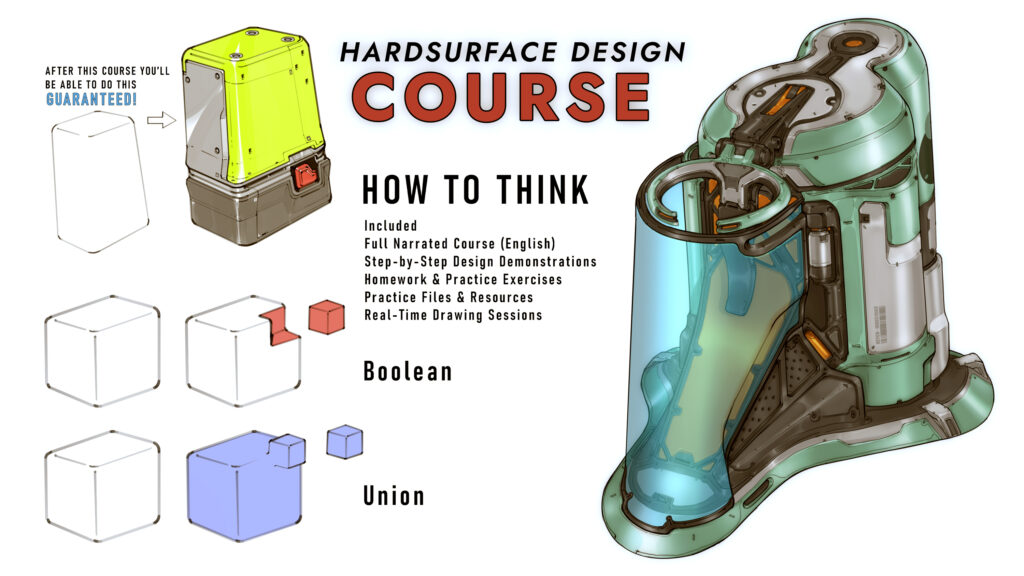
That’s exactly what I teach in my Hardsurface Design in 2D course, where you’ll learn how to create professional-looking mechanical and sci-fi concepts from scratch using practical design workflows and industry-inspired techniques.
Whether you’re designing robots, vehicles, props, or futuristic technology, mastering line art fundamentals is often the first step toward creating designs that look believable and professional.
GET THIS COURSE NOW!
Proudly powered by WordPress


Leave a Reply